Works now
Grok CLI
Custom Grok CLI for A Dev Studio. Install it, then open a coding session from the terminal.
Install
Open
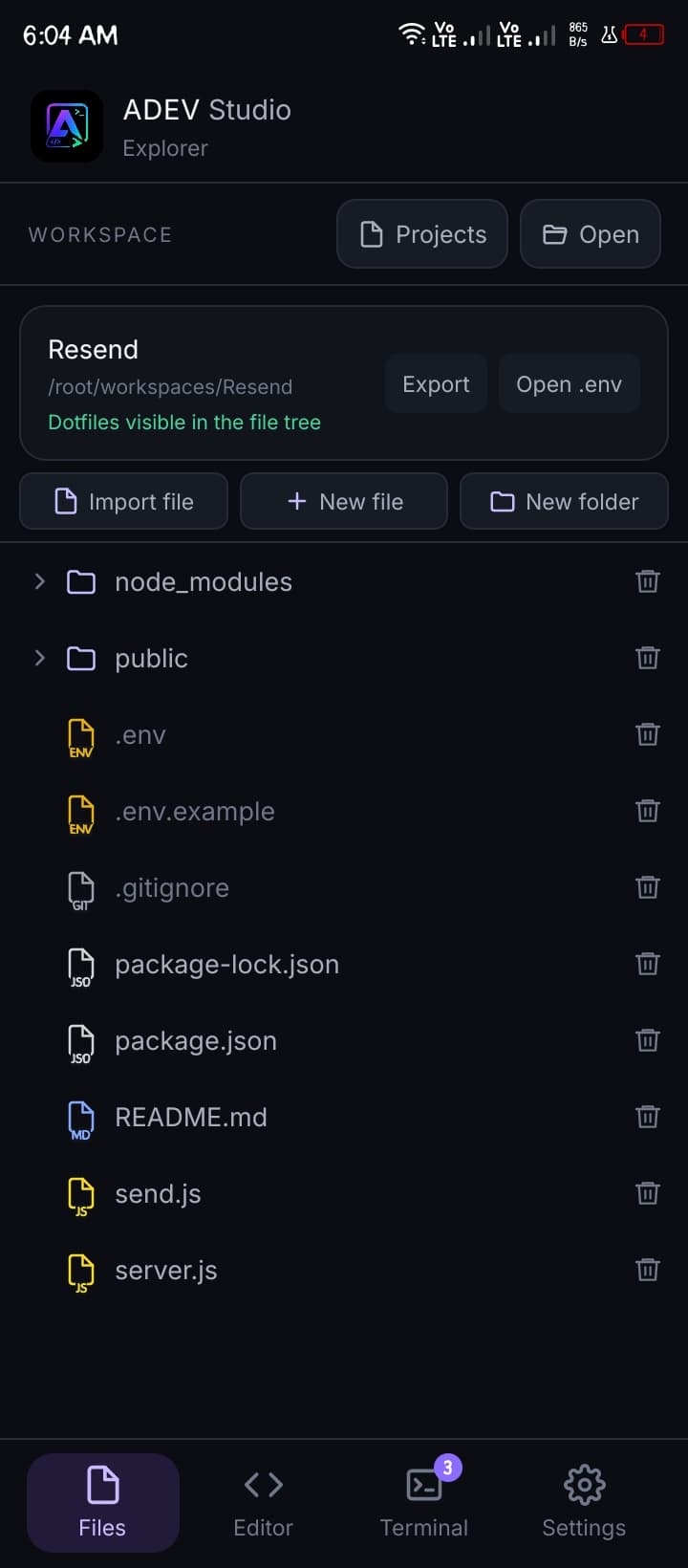
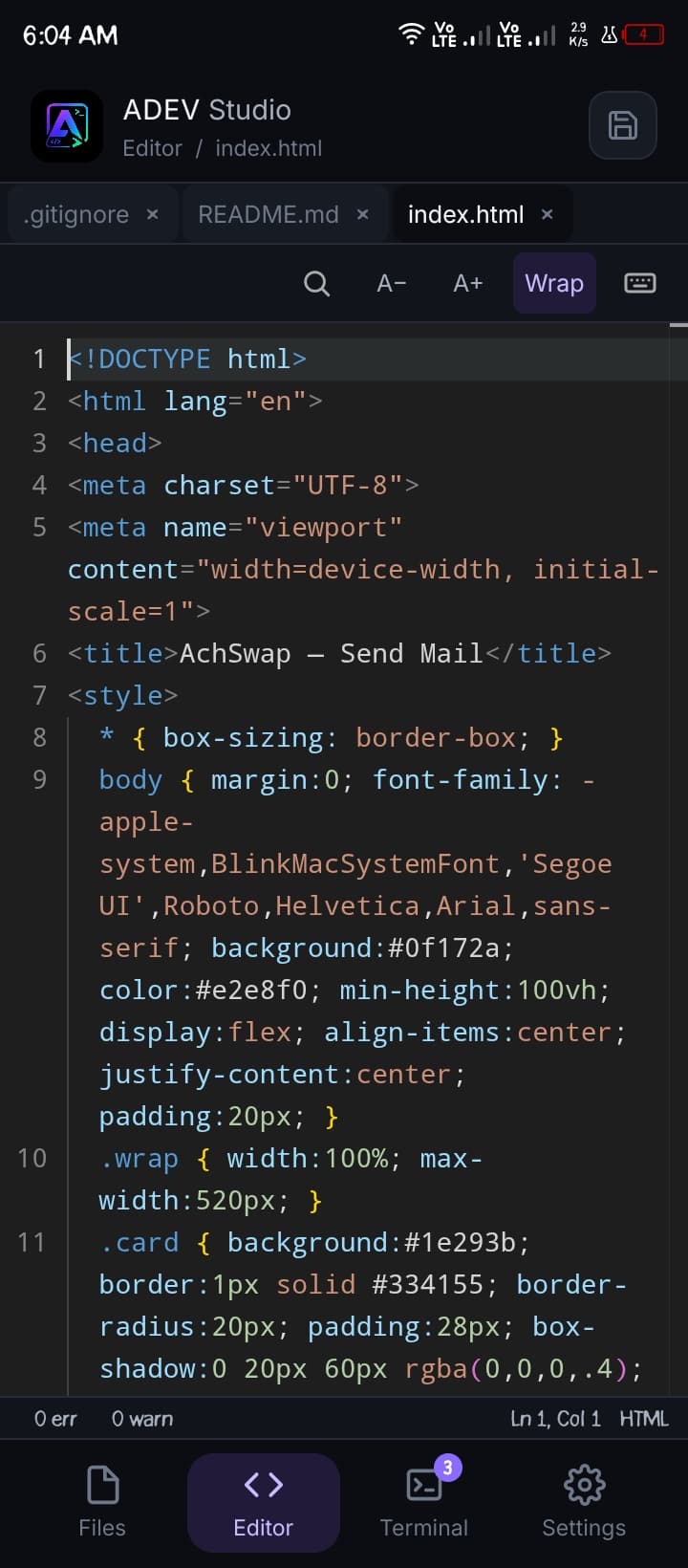
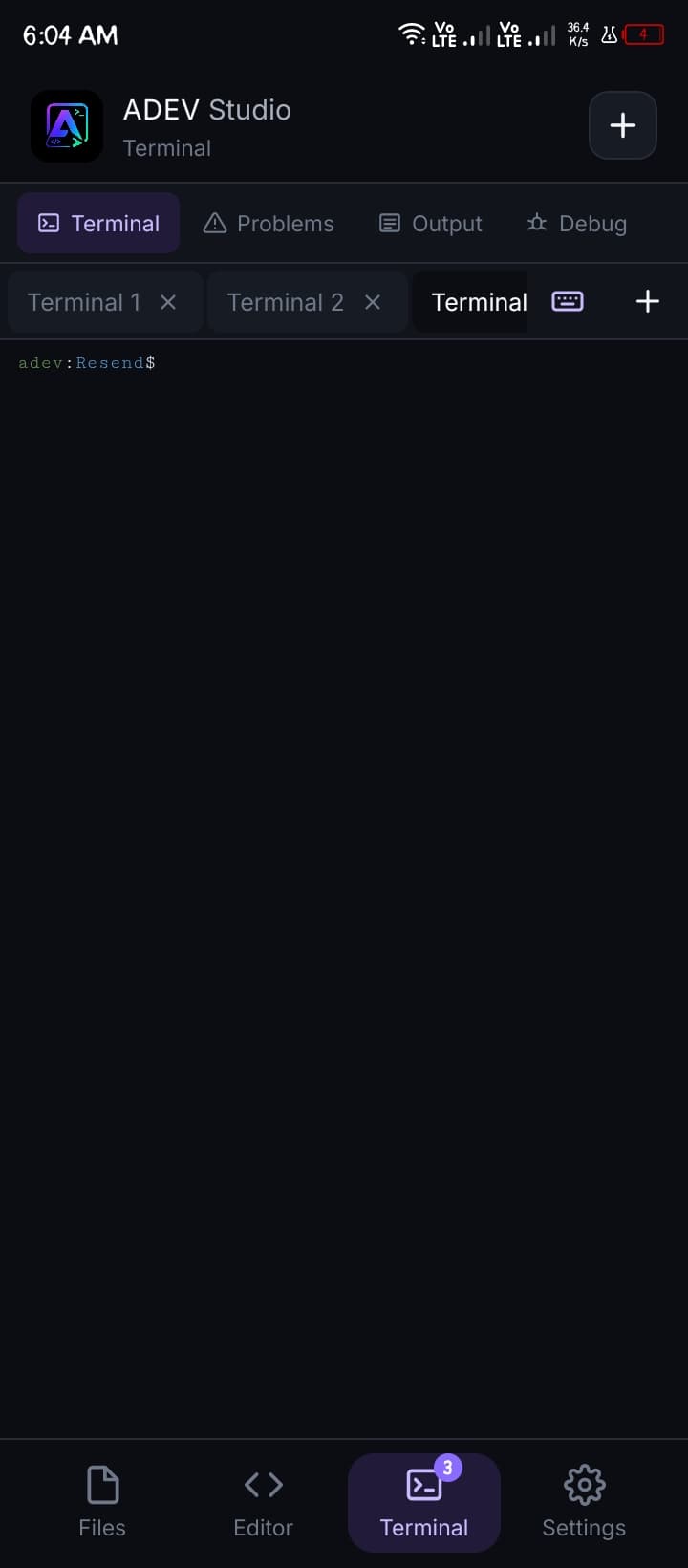
Explorer — open a project, import, new file
A desktop-class JavaScript IDE for Android. Node.js, React, a real terminal, and optional Linux ARM64 — on the phone in your hand.
Not a toy editor. A real development environment, rebuilt from the ground up for mobile hardware.
A complete Node.js environment compiled for ARM — install packages with npm, run scripts, and debug without ever touching a PC.
Scaffold React and Next.js projects, hot-reload on device, and preview your app instantly in a built-in browser view.
Blazing-fast HMR with Vite. Save a file and see changes in milliseconds — even entirely from your phone's hardware.
A genuine Linux-style terminal with git, npm, node, python, ssh, vim, clang — plus adev runtime for optional Linux ARM64 / glibc packs, verified with adev runtime doctor.
Spin up Express servers locally, hit your endpoints, inspect responses and ship APIs — all from the same device.
Native performance, no cloud round-trips. Your code stays on your device — private, offline-friendly, always with you.
Open the built-in terminal, install these CLIs with npm, then run them like you would on a laptop. Tap a command to copy it.
Custom Grok CLI for A Dev Studio. Install it, then open a coding session from the terminal.
GitHub from the on-device terminal. Clone, auth, PRs, and issues with the gh command you already know.
Deploy this project — or any Next.js app — straight from your phone. Login, preview, and ship production.
v1.3.35 tightens Linux ARM64 agent execution and terminal protocol without replacing the Android/Bionic env. Install linux or glibc, then verify with doctor. Tap a command to copy it.
Native Node, npm, git, and the IDE itself. Untouched when you add Linux packs.
User-mode translation, no root. Doctor-verified execution, DNS, TCP 443, TLS 1.3.
Optional, separately-downloaded Linux ARM64 execution pack. Keeps the normal Android/Bionic env untouched; only validated Linux ARM64 CLI payloads use it.
glibc-based Linux userland for CLIs that need glibc instead of Bionic/musl. Install it the same way, then verify.
Doctor checks real execution, DNS, TCP 443 and TLS 1.3. Manage packs with list, update and remove.
ARM64-only optional pack · user-mode translation, no root · remove anytime with adev runtime remove
Drop the APK on your phone. Open Terminal. Optional Linux pack if you need it.
Edit Next.js, run Vite, talk to Grok. Same commands you already know.
gh for the PR. vercel --prod for the URL. The laptop never left the bag.
Install A Dev Studio v1.3.35 and start building your next project before this page finishes animating. Direct APK download — no release-page hunting.
This website was also built on a phone
Designed, coded, compiled and deployed entirely inside A Dev Studio using its built-in opencode web command — no laptop involved.